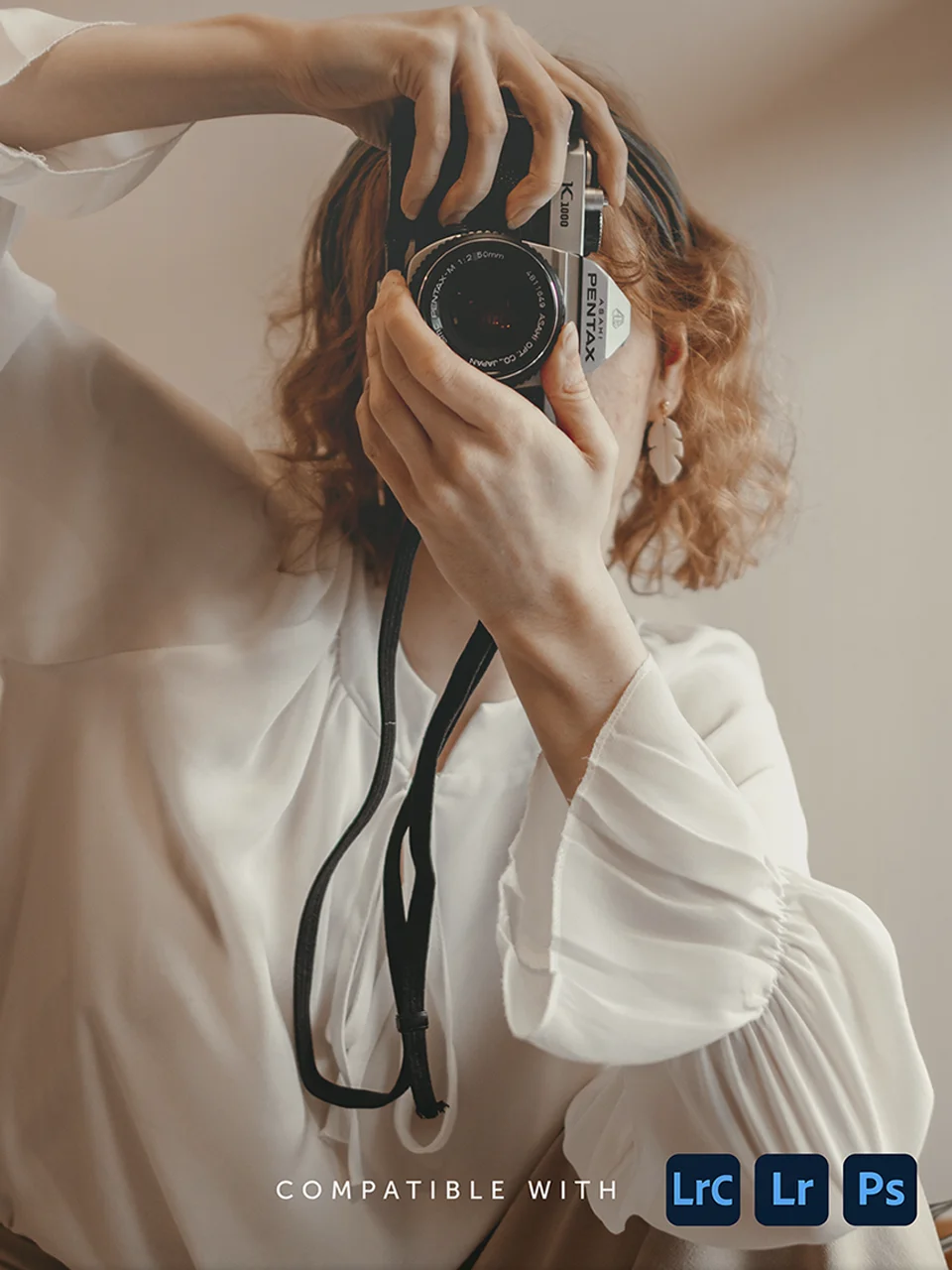
Free Lightroom Film Presets pack
Free Download

Download the Free Film Presets for Lightroom

Instill rich tones, harmonious colors, and film-inspired looks to your images. You will be using these presets all the time.

    Join a community of photographers. It's free. Unsubscribe anytime.

    Have you ever struggled to find the perfect style for your photos? Look no further.

    What if you could spend more time behind the lens doing what you enjoy, instead of sitting at the computer sifting through hundreds of presets?

    At the end of the day, we all know it takes more than good subject and composition to make our images pop.

    Whether you're an experienced photographer or you're just getting started, this free pack of presets will help you edit your images more efficiently, find your own style, and create photos that leave your audience in awe. Every. Single. Time.
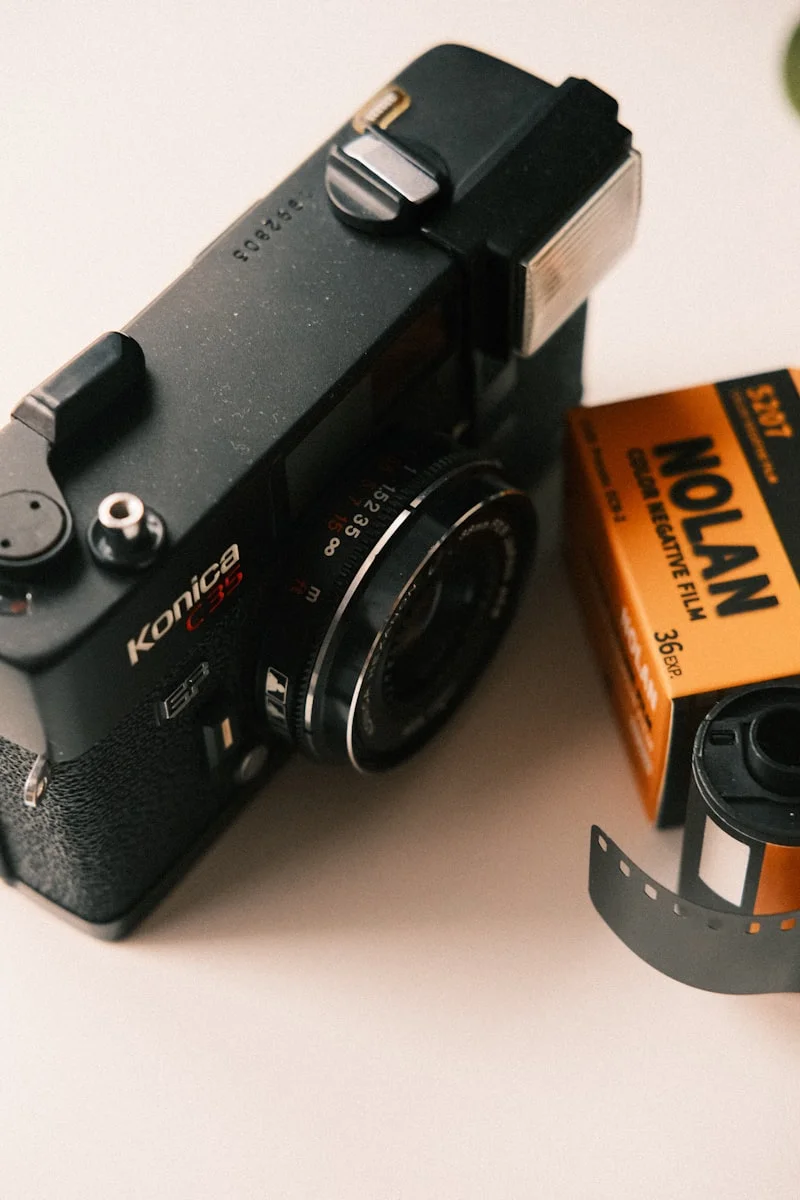
    Vintage film camera with film roll

    Frequently Asked Questions

    Lightroom Classic: In the Develop Module, click the small + icon next to the Presets panel on the left and select Import. Select the .zip file you downloaded and the presets will appear in your Presets panel.

    Lightroom CC (Cloud): Click the Presets icon in the bottom right of the Edit panel (two overlapping circles). Click the three-dot icon at the top and select Import Presets. Select your .zip file.

    Photoshop (Camera Raw Filter): Open an image and apply the Camera Raw Filter (Filter > Camera Raw Filter). Click the Presets icon on the right panel, then the three-dot icon, and select Import Profiles and Presets. Choose your .zip file.
    These presets work with Lightroom Classic (version 7.3+), Lightroom CC (cloud version), and Adobe Camera Raw in Photoshop. They use the .xmp format which is the current standard for all Adobe photography apps.
    Yes. If you sync your presets through Adobe Creative Cloud, they will appear in the Lightroom mobile app automatically.
    Yes. These presets are free for both personal and commercial use. Use them on client photos, portfolio work, social media, prints, or anything else you need.
    RAW files give you the best results because presets can work with the full range of data your camera captured. JPEGs work too, but you may notice less flexibility when adjusting after the preset is applied. For a step-by-step look at how presets fit into a broader editing process, see our Lightroom workflow guide.
    Completely normal. Presets interact with the light, colors, and exposure of each individual photo. Think of them as starting points, not finished edits. You will almost always want to fine-tune exposure, white balance, and maybe a few other sliders after applying any preset. If you are new to presets, our guide on using presets in Lightroom walks through the full process.
    No. Lightroom and Camera Raw can import .zip files directly. Just point the import dialog at the .zip file and the presets will install automatically.

    Don't Delay, Download Today

    Join the DailyPhotoTips newsletter and download the free film-inspired presets pack today. Let us help you create your next masterpiece!

      Join a community of photographers. It's free. Unsubscribe anytime.