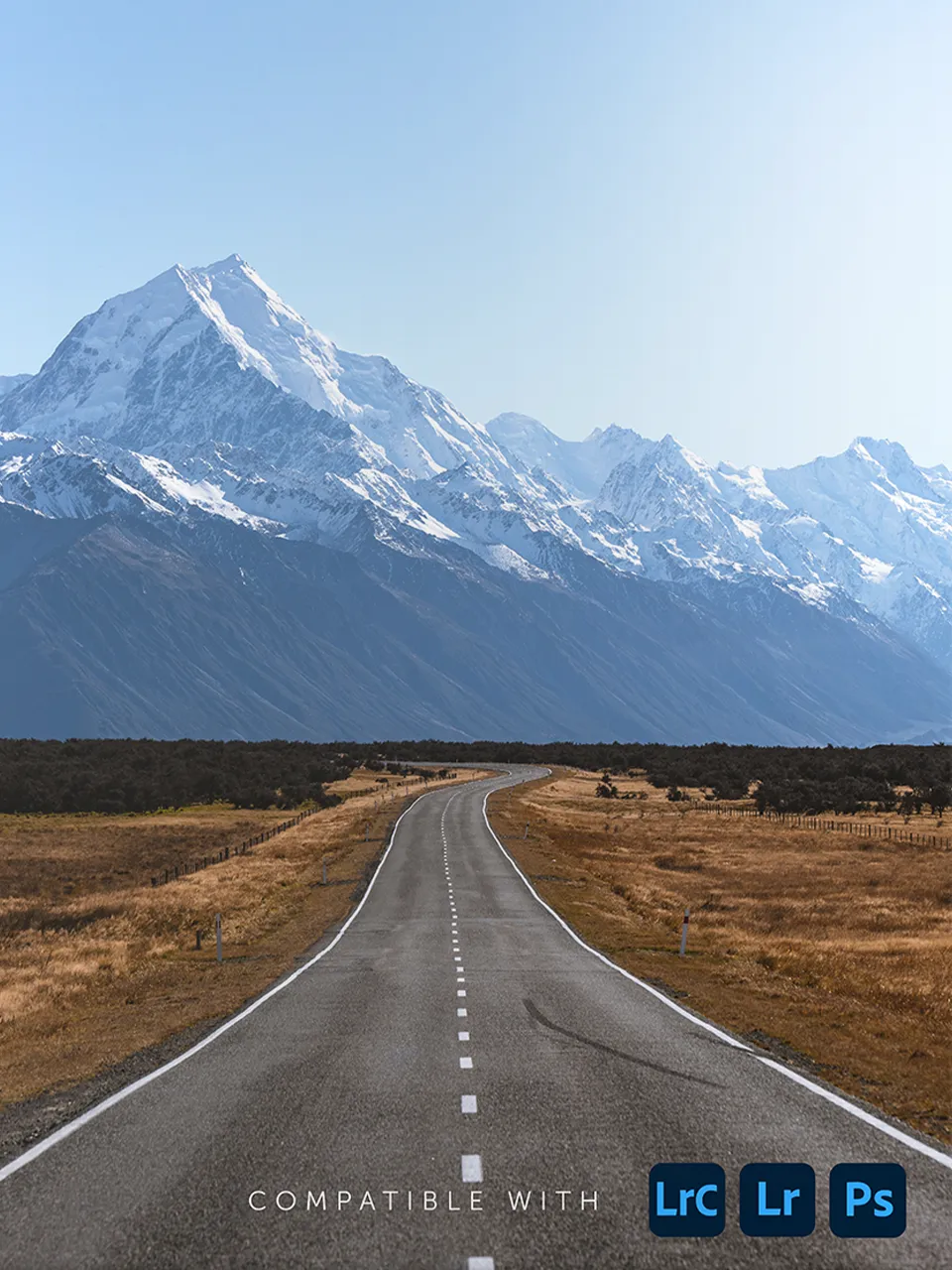
Get the Free Landscape Presets for Lightroom
Transform your landscape images into works of art you will be proud to show the world. You'll use those presets every day!
Join a community of photographers. It's free. Unsubscribe anytime.
Want to take your landscape photos from good to great?
Download the free landscape presets today! Editing landscape images can be time-consuming and tedious. But don't worry! You can get a head start with the 25 awesome Lightroom presets included in this pack.
This pack of presets is all you need to create breathtaking images.
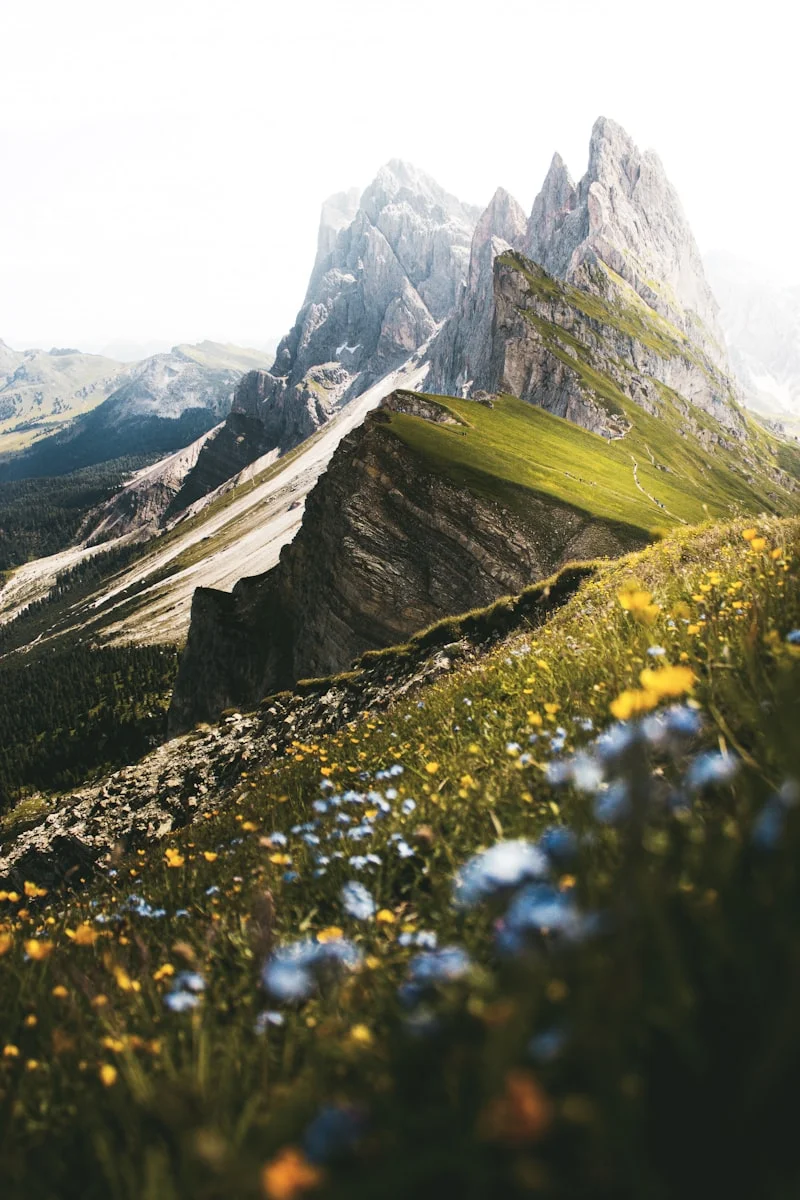
If your landscape images lack in contrast or vibrance, the presets in this pack will be a lifesaver! Want your skies to pop in your landscape shots? Need to give the foreground some more attention? Download the presets today.
Frequently Asked Questions
Lightroom CC (Cloud): Click the Presets icon in the bottom right of the Edit panel (two overlapping circles). Click the three-dot icon at the top and select Import Presets. Select your .zip file.
Photoshop (Camera Raw Filter): Open an image and apply the Camera Raw Filter (Filter > Camera Raw Filter). Click the Presets icon on the right panel, then the three-dot icon, and select Import Profiles and Presets. Choose your .zip file.
Don't Delay, Download Today
Join the DailyPhotoTips newsletter and download the free landscape presets pack today. Let us help you create your next masterpiece!
Join a community of photographers. It's free. Unsubscribe anytime.