Your camera's autofocus system is remarkably sophisticated. It can track faces, detect eyes, predict where moving subjects will be a fraction of a second from now. But all that technology is useless if you're using the wrong mode for your situation.
This is where most photographers get stuck. They know their camera has multiple AF modes, but they don't know which one to use when. So they leave it on the default setting and wonder why they keep missing focus on moving subjects, or why their camera keeps refocusing when they're trying to compose a still shot.
AF mode selection is one of the most decision-heavy parts of photography, and it's a critical topic in our sharp photos guide. There's only the right mode for what you're shooting right now. And once you understand the logic behind each option, choosing becomes almost automatic. You'll encounter terms like AF-S, AF-C, tracking, and focus plane throughout this guide. The photography glossary has definitions for all of these and more.
The Two Questions That Determine Everything
Before we get into specific modes, you need to understand that autofocus involves two separate decisions:
Question one: How should your camera behave once it finds focus?
This is what AF modes control. Should the camera lock focus and hold it? Should it continuously adjust as the subject moves? Should it try to figure out the right behavior automatically?
Question two: Where in the frame should your camera look for focus?
This is what AF area modes control. Should it focus on a single point you select? A zone? The entire frame? Should it look for faces or eyes specifically?
These two decisions are independent, and you'll combine them differently depending on what you're photographing. A wedding photographer might use the same AF mode for the ceremony and the reception but completely different area modes. A sports photographer might change both between plays.
Let's break down each system, then talk about how to combine them.
AF Modes: How Your Camera Holds Focus
Every camera manufacturer uses different names for essentially the same thing, which is part of why this gets confusing. Here's the translation.
| Behavior | Canon | Nikon | Sony |
|---|---|---|---|
| Lock focus | One-Shot AF | AF-S (Single) | AF-S (Single-shot) |
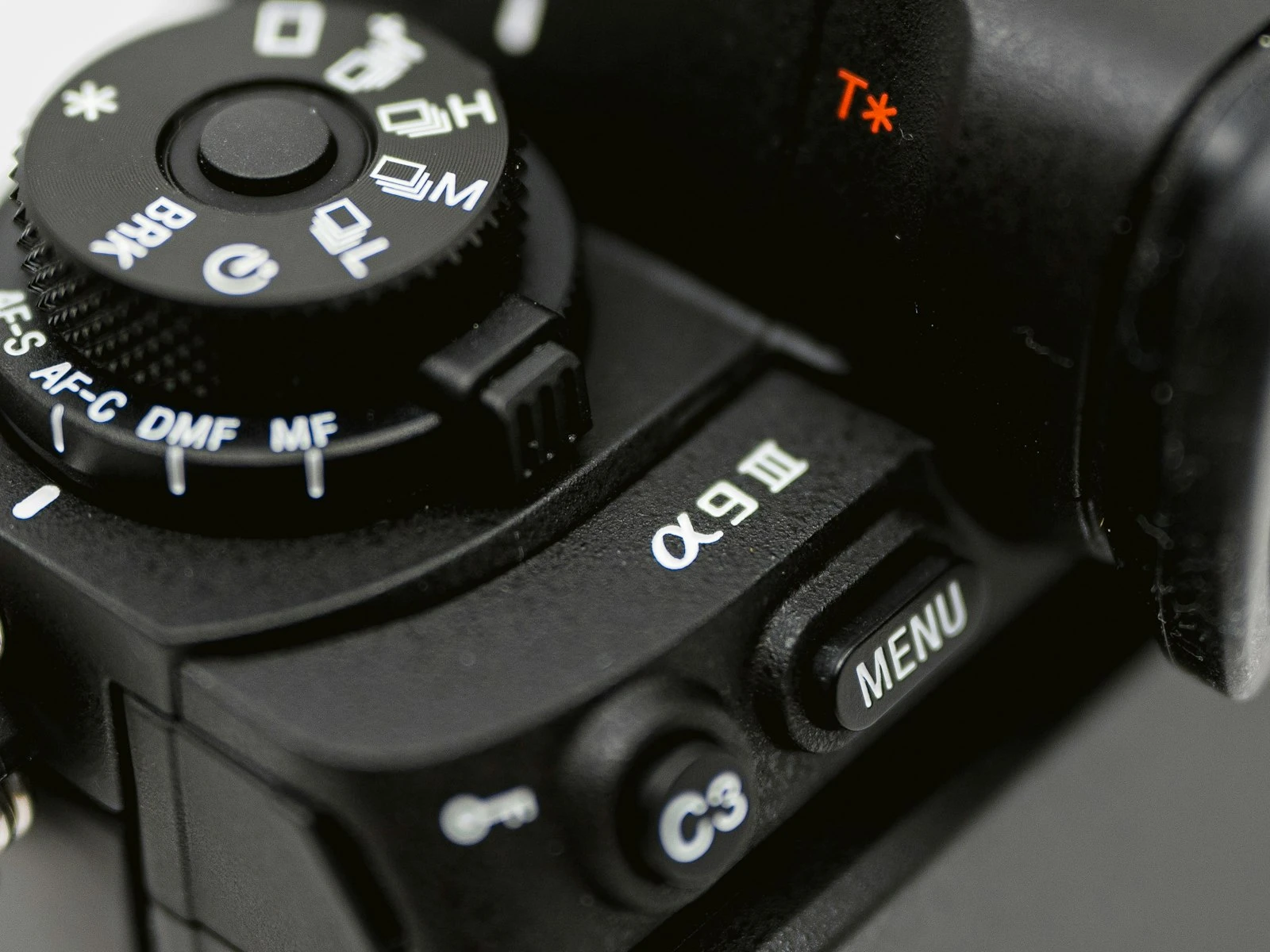
| Track focus | AI Servo | AF-C (Continuous) | AF-C (Continuous) |
| Automatic switching | AI Focus | AF-A (Auto) | AF-A (Automatic) |
Don't worry about memorizing the names for every brand. What matters is understanding the three behaviors.
Single AF (One-Shot / AF-S): Lock and Hold
In Single AF mode, your camera focuses once when you half-press the shutter (or press your AF-ON button), then locks. The focus distance doesn't change until you release and refocus.
This is exactly what you want when:
- Your subject isn't moving toward or away from you
- You're composing carefully and need focus to stay put while you reframe
- You're shooting architecture, products, still life, or landscapes
- You're photographing a person who's standing still
- You need precision and can't risk the camera refocusing at the wrong moment
The key advantage: Predictability, because you focus, it locks, you shoot with no surprises.
The key limitation: If your subject moves even slightly toward or away from you between focus and shutter, you'll miss. What matters here is depth, not side-to-side movement. A subject moving across the frame stays roughly the same distance from you. A subject moving toward you changes focus distance with every step.
I use Single AF for probably 70% of my work, including portraits where I've asked someone to hold still, product shots, landscapes, and anything where I have time and my subject isn't in motion.
Continuous AF (AI Servo / AF-C): Track and Adjust
Continuous AF does what the name suggests, continuously adjusting focus as long as you keep the AF button engaged. If your subject moves closer or farther away, the camera tries to track that movement and keep them sharp.
This is exactly what you want when:
- Your subject is moving toward or away from you
- You're shooting action, sports, wildlife, or kids at play
- You can't predict exactly when your subject will be in the ideal position
- You're working with animals that won't stay still
- You're shooting events where people are constantly in motion
The key advantage: Your camera adapts to movement. Even if focus isn't perfect when you start tracking, it improves as the AF system gets more data about your subject's speed and direction.
The key limitation: The camera never fully locks. If you're trying to recompose a shot by focusing on your subject and then moving the camera to put them off-center, continuous AF might refocus on whatever's now under your AF point. This makes careful composition harder.
Continuous AF is essential for any moving subject. But it requires more attention to your AF area settings (which we'll cover shortly) because the camera is constantly making decisions about what to track.
Auto AF (AI Focus / AF-A): Let the Camera Decide
Auto AF tries to detect whether your subject is stationary or moving, then switches between Single and Continuous behavior accordingly.
In theory, this sounds ideal because you don't have to think about it, and the camera just figures it out.
In practice, it's a compromise. The camera is guessing at your intent, and it doesn't always guess correctly. It might switch to continuous tracking when you're trying to lock focus for a static shot. It might stay in single mode just long enough for a suddenly-moving subject to go soft.
When Auto AF makes sense:
- You're in a mixed situation where some shots are static and others involve movement
- You're still learning AF systems and want a safety net
- You're shooting casual family events where you're moving between posed and candid shots
When to avoid Auto AF:
- You're shooting serious action where AF behavior needs to be predictable
- You're doing precise work (macro, product, architecture) where accidental refocusing would be disastrous, or shooting in low light where you need manual control
- You know what you want and don't need the camera second-guessing you
I rarely use Auto AF. Once you're comfortable switching between Single and Continuous deliberately, you have more control than the camera's algorithm can provide. But for beginners or low-stakes situations, it's a reasonable fallback.
AF Area Modes: Where Your Camera Looks
Now let's talk about the second decision, which is where in the frame your camera searches for focus.
Single Point AF: Precision Control
You select one focus point, and that's the only place your camera looks. If your subject isn't under that point, the camera focuses on whatever is.
Best for: Portraits, still subjects, any situation where you want absolute control over what's sharp. I use single point for headshots, product work, and any time I need the camera to ignore distractions.
The tradeoff: You have to be accurate. With moving subjects, keeping a single point on a specific target (like an eye) requires practice and quick reflexes.
Zone AF: Balanced Flexibility
You select a group of points, and the camera focuses on the nearest subject within that zone. This gives you some flexibility without surrendering all control.
Best for: Moving subjects where single point tracking is too demanding, subjects moving unpredictably within a general area, situations where you want to focus on something specific but need some margin for error.
The tradeoff: The camera might not choose the exact point you'd prefer within the zone. If there's a distracting element closer to the camera than your subject, it might grab focus instead.
Wide Area / Automatic Point Selection: Maximum Coverage
The camera uses all (or most) focus points and decides where to focus based on algorithms, often prioritizing the nearest subject, faces, or eyes.
Best for: Fast action where you can't predict where your subject will be, wildlife where animals move erratically, situations where getting some focus is better than missing the shot entirely.
The tradeoff: You lose precision. The camera might focus on a hand instead of a face, or a closer spectator instead of the athlete you're tracking.
Tracking / Subject Detection: Smart Following
Modern cameras offer intelligent tracking modes that identify subjects (people, animals, vehicles) and follow them across the frame, switching between focus points automatically.
Best for: Action photography with predictable subject types, portraits where you want continuous eye AF, any situation where AI recognition helps more than it hurts.
The tradeoff: The camera can get confused by similar-looking subjects, lose tracking when subjects overlap, or focus on the wrong person in a crowd.
Combining AF Mode and Area Mode: Real Scenarios
Here's where it comes together. The power is in the combination of settings.
Scenario: Studio Portrait
AF Mode: Single (One-Shot / AF-S) AF Area: Single point with Eye AF if available
Your subject is still. You need precise focus on the nearest eye. Single AF locks when you hit focus, single point (or eye detection) puts focus exactly where you want it. Focus, recompose if needed, shoot. At wide apertures like f/1.8, even small focus errors become visible, so precision here is critical.
Scenario: Child Running Toward You
AF Mode: Continuous (AI Servo / AF-C) AF Area: Zone or tracking with face/eye detection
The subject is moving unpredictably and changing distance constantly. Continuous AF tracks the movement while zone selection or subject tracking keeps focus on the child rather than the background.
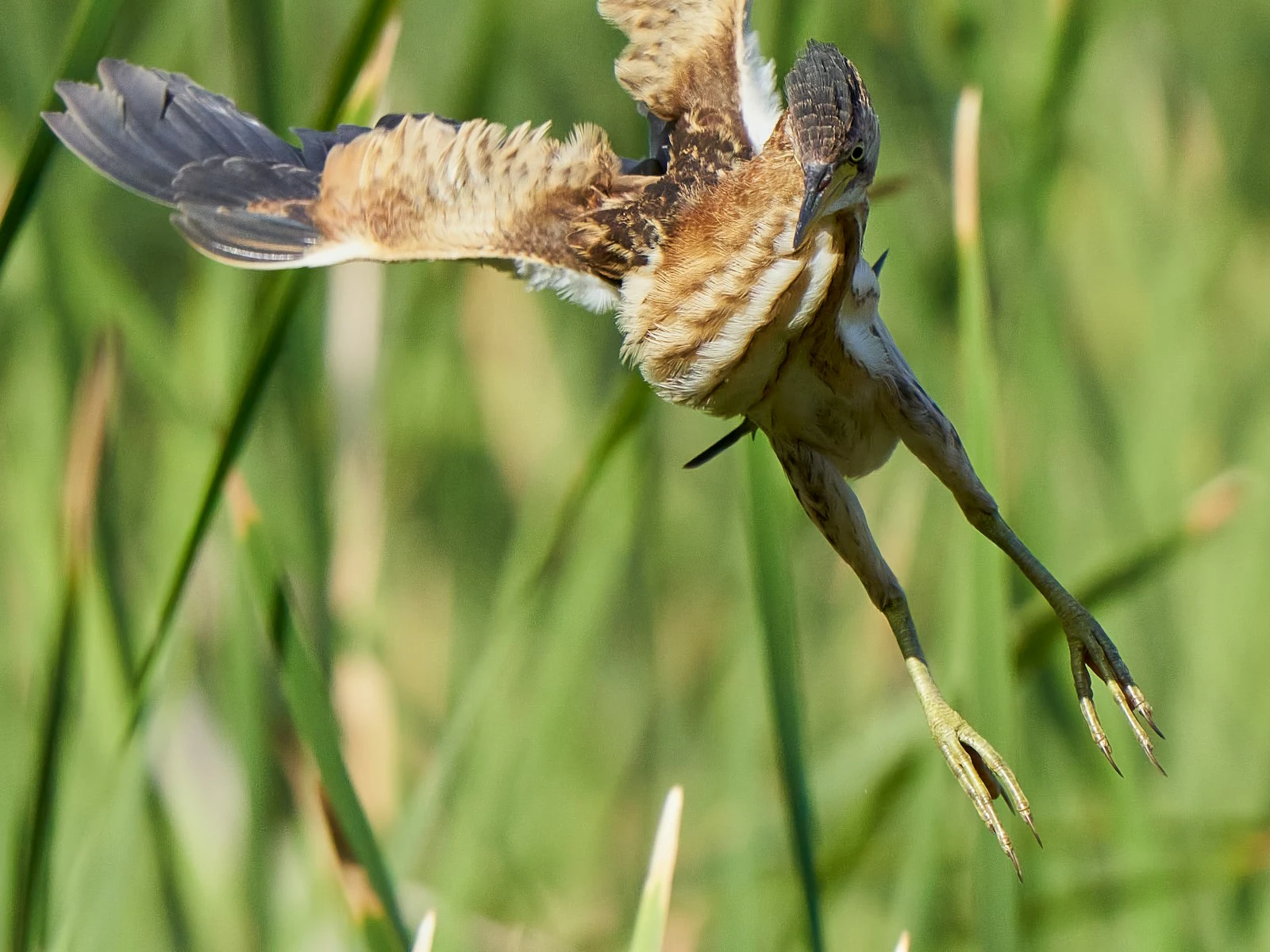
Scenario: Birds in Flight
AF Mode: Continuous (AI Servo / AF-C) AF Area: Wide area with animal detection, or zone if your camera lacks subject detection
Fast, erratic movement against a complex background. You need the camera to track aggressively and make focus decisions faster than you can manually select points.
Scenario: Street Photography
AF Mode: Single (One-Shot / AF-S) or Continuous depending on your style AF Area: Zone or single point
Street photography varies hugely by approach. If you're patient and precise, single AF with single point gives you control. If you're shooting from the hip or working quickly, continuous AF with a small zone lets you track while staying responsive.
Scenario: Event Photography (Wedding Reception)
AF Mode: Continuous (AI Servo / AF-C) with possible switching to Single for formal shots AF Area: Zone with face detection, switching to single point for posed groups
Events mix static moments (posed photos) with candid action (first dance, toasts). You'll likely switch modes throughout. Use continuous with face detection for candids, single AF with single point for formal portraits where you're controlling the scene.
Common AF Mode Mistakes
Mistake 1: Using Single AF for Everything
This is the most common beginner error. You're in Single AF, your subject moves slightly between focus and shutter, and you miss. Learn to recognize when subjects are in motion, even subtle motion, and switch to Continuous.
Mistake 2: Using Continuous AF for Everything
The opposite problem. You're in Continuous AF trying to shoot a carefully composed still shot, and the camera keeps refocusing as you reframe. Suddenly your background is sharp and your subject is soft.
Mistake 3: Trusting Wide Area AF for Precision Work
Wide area is great for action, but it's fundamentally imprecise. If you need a specific eye sharp in a portrait, don't rely on automatic point selection to choose correctly every time. Take control with single point or targeted eye AF.
Mistake 4: Ignoring AF Area When Troubleshooting Focus
When shots come out soft, photographers often blame AF mode when the real problem is AF area. Your mode might be correct for the situation, but if your area is too wide and focusing on the wrong element, you'll still miss.
Mistake 5: Not Customizing AF Tracking Sensitivity
Most cameras let you adjust how aggressively the AF system responds to obstacles or distance changes. For erratic subjects, you want responsive tracking. For subjects that briefly go behind obstacles, you want the camera to hold focus rather than immediately switching. These settings matter more than most photographers realize.
Building AF Intuition
The goal is to develop intuition for two questions.
- Is my subject moving toward or away from me? (Determines AF mode)
- How precisely do I need to control where focus lands? (Determines AF area)
As these questions become automatic, switching settings becomes automatic too. You'll walk into a situation and your hands will find the right combination without deliberate thought.
For now, start by being intentional. Before every shoot, consciously ask yourself what AF mode and area mode serve this situation best. Make deliberate choices, review your results, and adjust. The pattern recognition will come.
Key Takeaways
- Use Single AF (AF-S) for stationary subjects where you want focus to lock, and Continuous AF (AF-C) for anything moving toward or away from you.
- AF mode controls when focus locks; AF area mode controls where focus happens, and you need to set both correctly for your situation.
- Use single-point AF for precise control over what the camera focuses on, and wider area modes when subjects move unpredictably.
- Enable eye-detection AF for portraits if your camera supports it, since it reliably locks onto the nearest eye without manual point placement.
More in This Guide
Continue building your sharpness and focus skills.