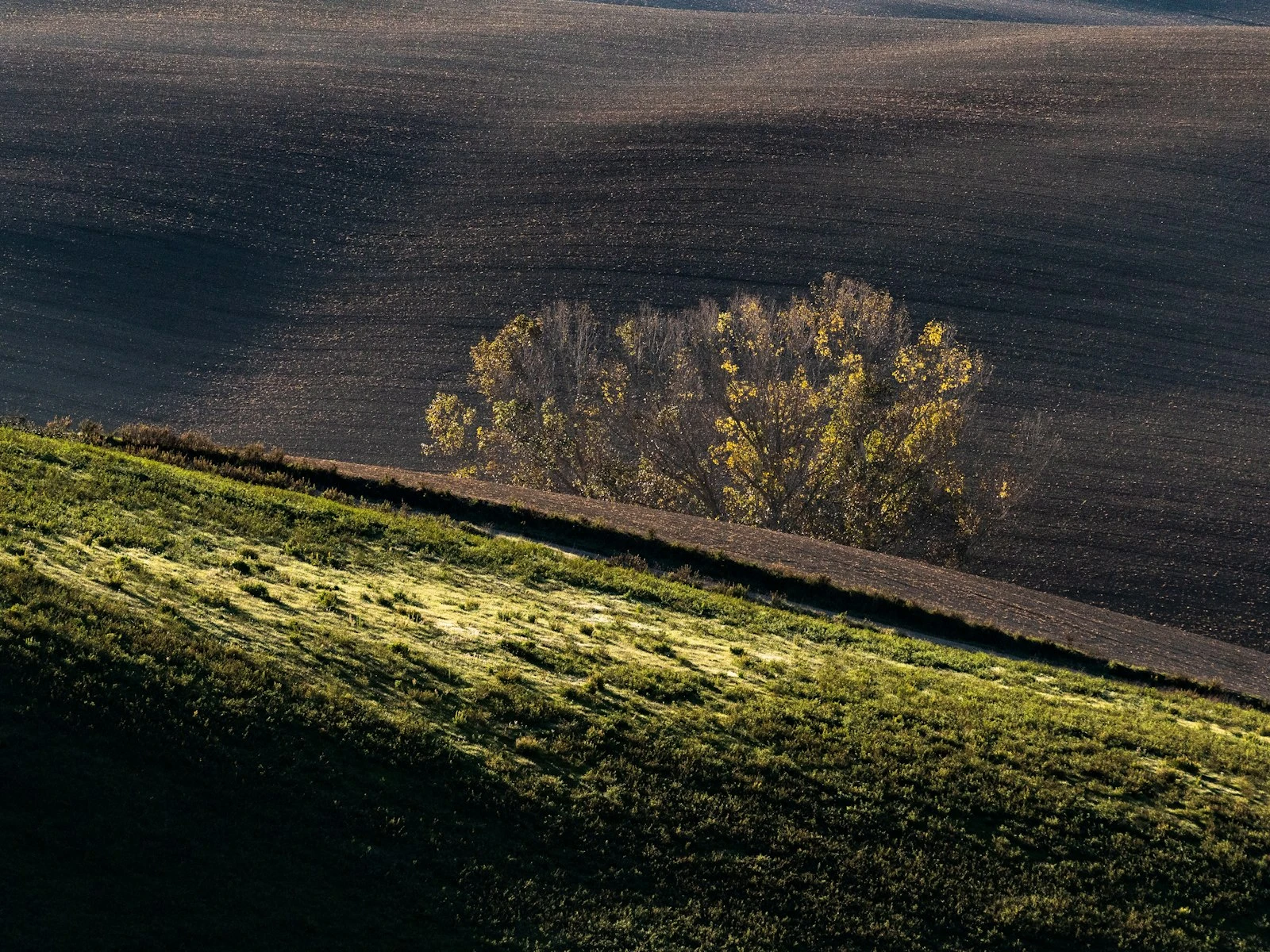
Composition is the most portable photography skill. It works on any camera, requires no equipment, and costs nothing. Yet on phones, where it should matter most, it's often the first thing to get rushed or ignored.
There's something about phone photography that encourages carelessness. The camera is always there, shooting is effortless, and you can take fifty photos in a minute.
But that same ease can work against you. The best phone photographers slow down and compose deliberately, applying the same principles that make any photograph work.
This guide covers composition specifically for phone photography, and it's one of the most impactful articles in our phone photography guide. Not just the principles, but how to apply them on a small screen with the quirks and constraints of mobile shooting.
Why Composition Matters More on Phones
Your phone camera has real limitations: small sensor, computational processing, limited control over depth of field. You can't compensate for these with better equipment.
What you can control completely is composition. And strong composition does more to make a photo compelling than any technical quality.
A phone photo with great composition and modest technical quality can be more memorable than a perfectly exposed, technically flawless photo with poor composition.
Since you can't out-equipment a phone's limitations, out-compose them instead.
The Small Screen Challenge
Composing on a phone screen presents unique challenges.
The screen is small. Details that seem fine while shooting can look wrong when viewed larger. Distracting elements blend in on a small screen but jump out on a tablet or computer.
Glare and reflections. Outdoor viewing often means fighting screen reflections, making it hard to see composition clearly.
Touch interaction. Your fingers block the screen while positioning. The act of tapping to shoot can jostle the frame.
Preview lag. What you see isn't always exactly what you'll get, especially in challenging light.
These aren't reasons to give up on careful composition. They're reasons to be more deliberate about it.
Enable the Grid
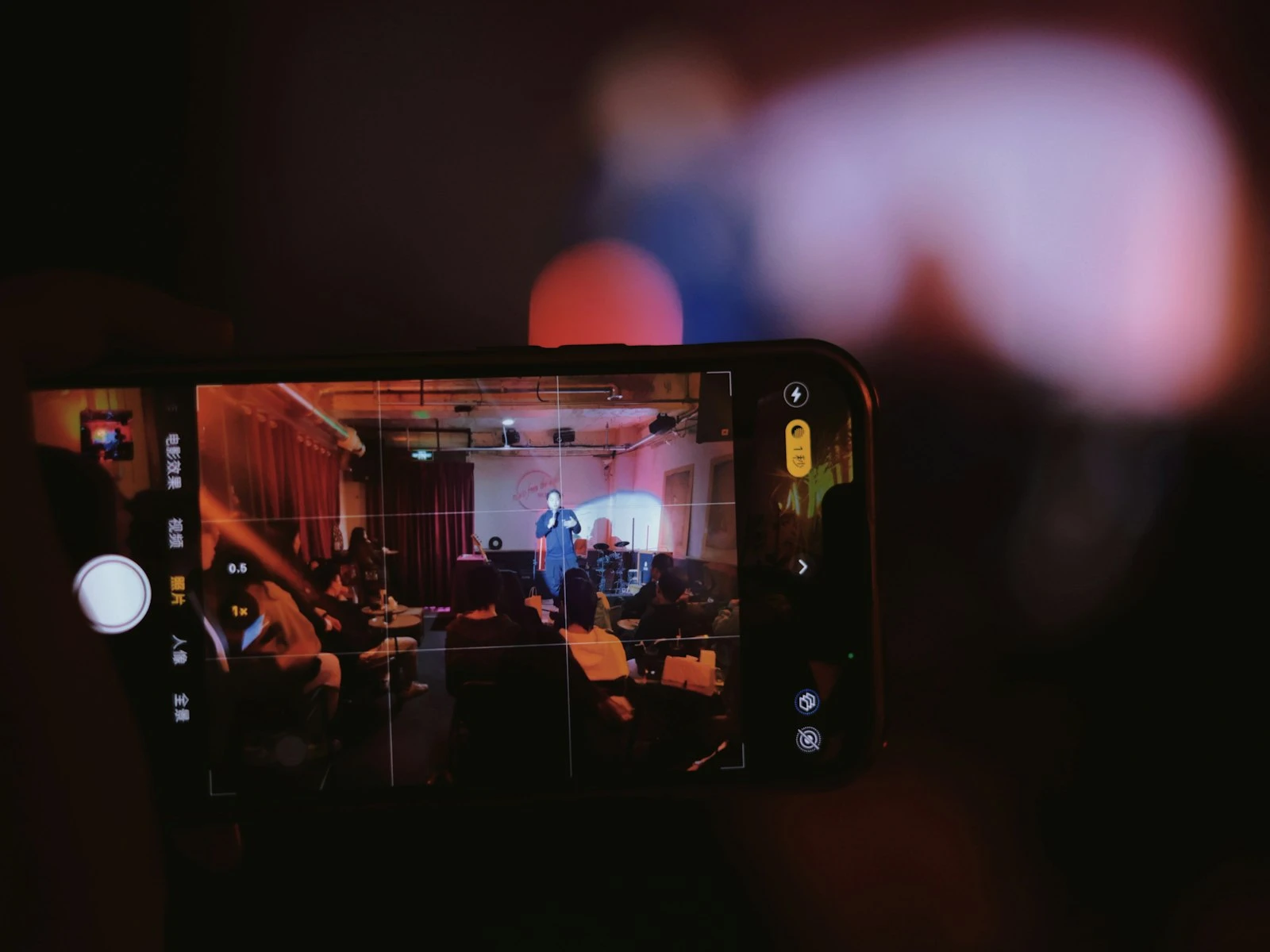
Every phone camera has a grid overlay option. Turn it on if you haven't already.
On iPhone: Settings > Camera > Grid On most Android phones: Camera Settings > Grid lines
This grid helps with:
- Leveling horizons
- Applying the rule of thirds
- Checking vertical alignment
- Maintaining awareness of the frame edges
The grid compensates for the small screen by giving you reference lines to anchor decisions.
Core Composition Principles on Phone
Composition principles don't change because you're using a phone. But applying them takes slightly different awareness.
Rule of Thirds
The simplest compositional guideline is to imagine your frame divided into nine equal sections. Place important elements along the lines or at the intersections rather than dead center.
On phone: Use the grid to position your main subject at an intersection. Resist the default tendency to center everything.
Why it works: Creates visual interest and natural-feeling balance. Centering can feel static; off-center placement creates energy. The rule of thirds is the foundation of strong composition on any camera.
Phone-specific tip: Tap to focus on your off-center subject so the camera exposes for them correctly, not for whatever's in the center.
Leading Lines
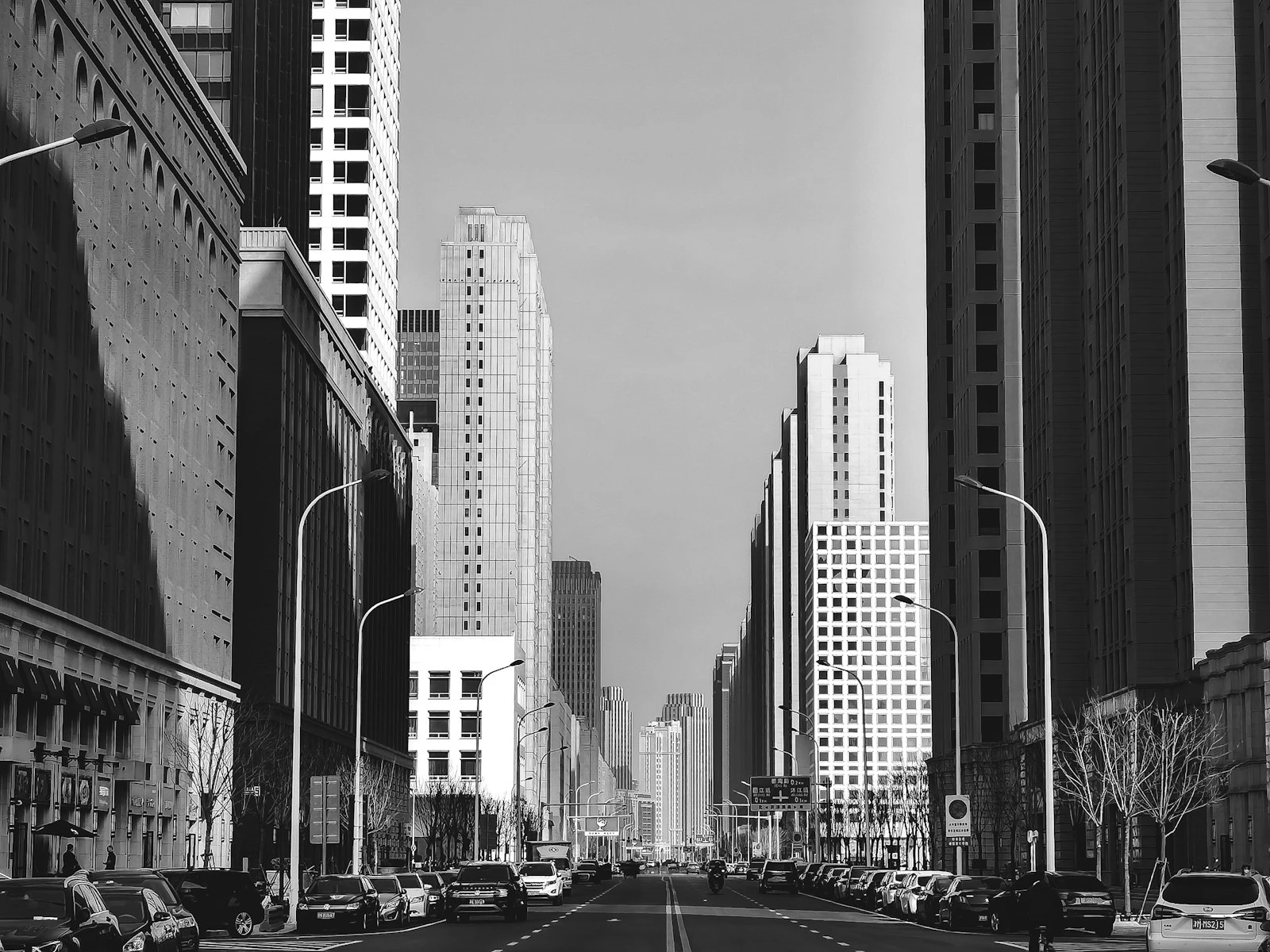
Lines in your scene that draw the eye toward your subject, like roads, fences, architectural elements, and natural features.
On phone: Wide-angle phone lenses exaggerate leading lines. A path or road can become a powerful compositional element. Look for lines converging toward your subject.
Why it works: Guides viewer attention and creates depth in the frame.
Phone-specific tip: Get low. Leading lines often look more dramatic from a lower angle, and the wide-angle lens emphasizes the effect.
Simplification
Removing or excluding distracting elements to focus attention on what matters.
On phone: This is critical for phone photography. Move around to eliminate distractions from your frame. Change your angle. Get closer to crop out irrelevant surroundings.
Why it works: Cluttered frames confuse viewers. Simple frames communicate clearly.
Phone-specific tip: Watch the edges of your frame, because distractions often creep in at the sides. Take an extra second to scan all four edges before shooting.
Framing Within the Frame
Using elements in your scene to create a frame around your subject, like doorways, windows, arches, and branches.
On phone: Look for natural frames and position yourself so they surround your subject. This adds depth and focuses attention.
Why it works: Creates layers, adds context, and naturally draws the eye to the framed subject.
Phone-specific tip: With the wide-angle lens, you can include foreground framing elements more easily than with longer focal lengths. Portrait mode can add separation when physical framing isn't available.
Depth and Layers
Creating a sense of three-dimensional depth through foreground, middle ground, and background elements.
On phone: Since phones can't create shallow depth of field optically (outside Portrait Mode), compositional depth becomes essential. Include distinct foreground elements to create layering.
Why it works: Photographs are inherently flat, so compositional depth creates the illusion of three dimensions.
Phone-specific tip: Get low and include foreground elements like flowers, rocks, or patterns. The wide-angle lens naturally emphasizes foreground.
Phone-Specific Compositional Techniques
Beyond traditional principles, some techniques work especially well with phone cameras.
Embrace the Wide Angle
Most phone main cameras are moderately wide-angle (roughly 24-28mm equivalent). Rather than fighting this, use it.
Get close to subjects. Wide angles allow intimate proximity without distorting faces excessively (if you're not too close).
Include environment. The wide view naturally shows context and surroundings. Use this for environmental portraits and scene-setting.
Exaggerate perspective. Low angles make subjects look powerful. Looking down a road or hallway creates dramatic convergence.
Work the Angles
Changing your shooting angle is free and instantly transforms compositions.
Get low. Shooting from ground level creates unusual, attention-grabbing perspectives. It works especially well with leading lines and foreground elements.
Get high. Look for elevated positions like stairs, balconies, and hillsides. Overhead perspectives can simplify cluttered scenes by changing the relationship between elements.
Go diagonal. Instead of shooting straight-on, position yourself at an angle to your subject for more dynamic compositions.
Portrait vs. Landscape Orientation
Phone photography defaults to portrait orientation (vertical) because that's how we hold phones.
Portrait orientation works for:
- Tall subjects (people standing, buildings, trees)
- Social media stories
- Single subject isolation
- Emphasizing height
Landscape orientation works for:
- Wide scenes (landscapes, groups)
- Horizontal subjects
- Traditional photo viewing
- Emphasizing width and scope
Don't default. Before shooting, consciously choose the orientation that fits the subject rather than automatically using portrait.
Use Negative Space
Empty space in your composition isn't wasted. It can emphasize your subject and create breathing room.
On phone: Negative space helps when phone processing makes detailed areas look busy or processed. A simple background with lots of empty space lets the subject stand out.
Where to place it: Generally put negative space in the direction your subject is facing or moving.
Common Phone Composition Mistakes
Centering Everything
The phone viewfinder naturally encourages centered composition, but off-center placement is usually more interesting.
Fix: Use the grid. Deliberately place your subject on a third line.
Standing at Default Distance
There's a comfortable distance we naturally stand from subjects, and it's almost always too far.
Fix: Before shooting, take two steps closer and evaluate, because often those two steps transform the shot.
Ignoring the Edges
The small screen makes it easy to miss distracting elements at the frame edges, like partially cut-off objects, random people, and trash cans.
Fix: Before pressing the shutter, consciously scan all four edges. Move to eliminate problems.
Shooting at Eye Level
Eye level is our default viewing position, which makes it photographically boring.
Fix: Try every shot from at least one other angle. Get low, get high, or change position.
Horizontal Horizons
Tilted horizons are instantly noticeable and distracting.
Fix: Use the grid. Align the horizon with a horizontal grid line. Check after shooting and crop to correct if needed.
Too Much in the Frame
Wide-angle phone lenses capture a lot. The tendency is to include everything, resulting in cluttered, unfocused compositions.
Fix: After composing, ask: "What can I remove?" Get closer, change angle, or crop later to simplify.
Composing for Phone Processing
Phone processing affects different compositions differently. Some compositional choices work with the processing; others fight against it.
Large areas of single tones (sky, walls, smooth surfaces) can look good because there's less detail for processing to muddle. Good lighting also reduces the processing load on your phone.
Extremely detailed areas (foliage, crowds, intricate textures) can suffer from noise reduction and compression artifacts.
High contrast transitions (bright sky against dark foreground) often show HDR processing artifacts.
This doesn't mean avoiding these elements, just understanding that composition choices affect how the final processed image looks.
Quick Composition Workflow
Before every shot:
- Identify your subject. What is this photo about?
- Simplify. What can you remove from the frame?
- Position. Apply a compositional principle: thirds, leading lines, or framing.
- Check edges. Scan all four sides for distractions.
- Try another angle. Get lower, higher, or move laterally.
- Shoot. Tap to focus on your subject, then capture.
This takes seconds but prevents most common mistakes.
Cropping After Capture
Phone photos can be cropped without losing much quality, giving you compositional flexibility after the fact.
Use cropping to:
- Improve rule of thirds placement
- Remove edge distractions
- Change aspect ratio for specific uses
- Tighten composition around the subject
Don't rely on cropping for:
- Fixing major compositional problems
- Zooming in significantly (quality degrades)
- Correcting consistently off-level horizons (fix the habit instead)
Think of cropping as fine-tuning, not rescue. The phone editing guide covers cropping as part of a complete editing workflow.
Practice Exercises
Composition improves through deliberate practice. Try these exercises with your phone.
Single subject, ten compositions. Find one subject and photograph it ten different ways: different angles, distances, orientations, and framing. Review and identify your strongest composition.
Grid discipline. For one week, never place your main subject in the center. Force yourself to use the thirds.
Foreground hunt. Look for foreground elements to include in every landscape or outdoor scene. Force layered compositions.
Edge awareness. Before every shot, consciously check each edge. Make this automatic.
Alternative angles. For every scene, take one photo from your natural position, then at least one from a radically different angle.
Frequently Asked Questions
Does aspect ratio matter for composition?
Yes. Different aspect ratios suit different compositions. 4:3 (default phone) works well for most uses. 16:9 suits wide landscapes and video. 1:1 (square) works for symmetrical subjects and social media.
Should I compose for how I'll share the image?
Consider it. If you know the photo will be cropped to a specific aspect ratio for social media, compose with that crop in mind, leaving room for the adjustment.
How do I learn to see compositions more naturally?
Study photos you admire. Analyze their composition: where's the subject, what's the structure, what's excluded? Over time, you'll start seeing these possibilities in real scenes.
Key Takeaways
- Strong composition matters more on phones than on dedicated cameras, since you cannot compensate for a phone's technical limitations with better equipment.
- Enable the grid overlay and use it to place subjects on thirds intersections, level horizons, and create intentional framing.
- Get physically closer to eliminate clutter and commit to one clear subject per frame rather than trying to capture everything.
- Slow down and compose deliberately rather than relying on rapid-fire shooting; taking five intentional photos beats taking fifty careless ones.
More in This Guide
Continue improving your phone photography.