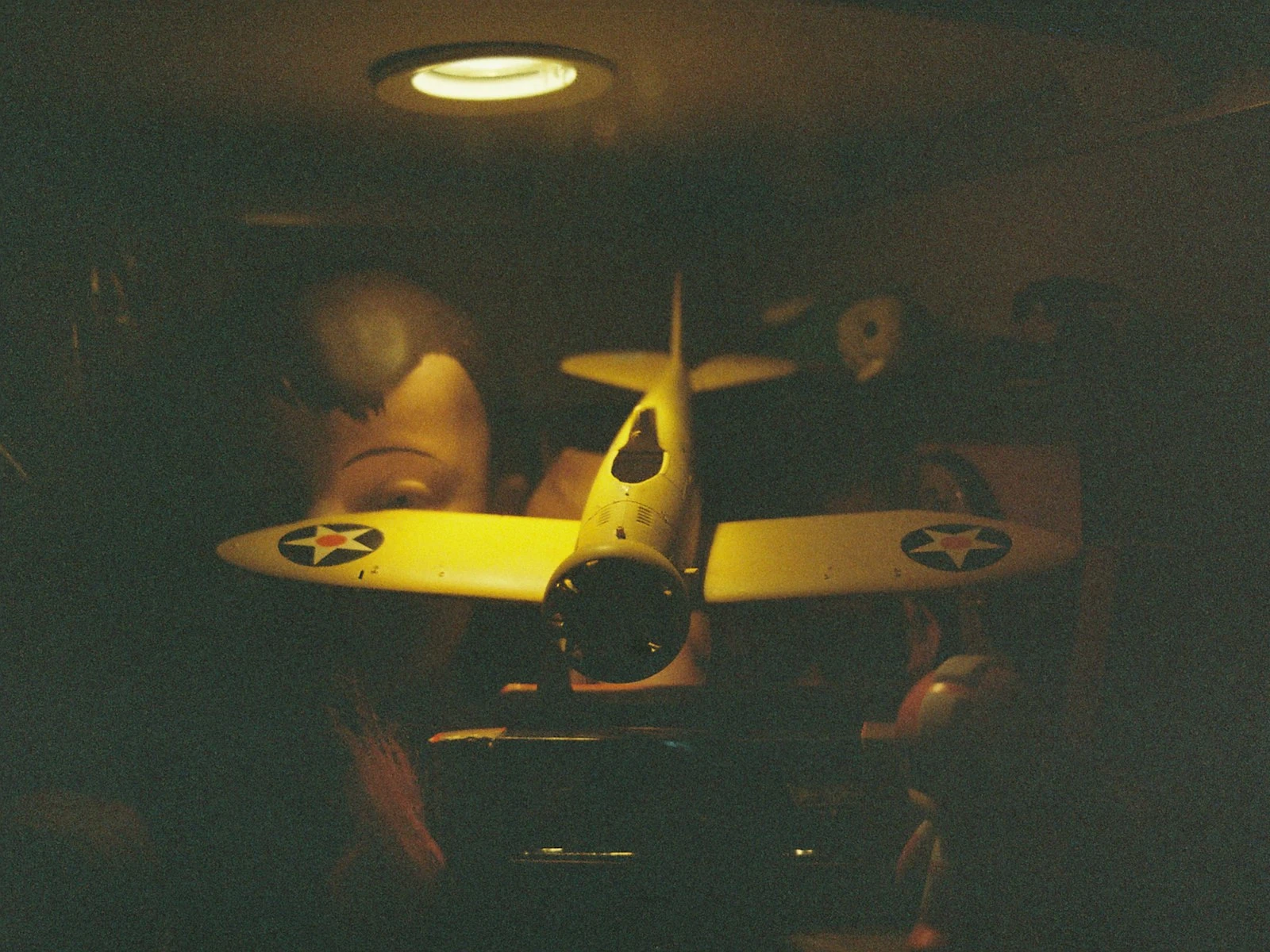
You take a photo indoors and it looks yellow, or orange, or sometimes greenish. The scene didn't look that way to your eye, so why does the camera see it differently?
The answer is color temperature, and once you understand it, you can fix the problem in-camera or in post. You can even use it creatively instead of fighting it. It's one of the trickiest topics in our lighting guide, but the fix is simpler than you think.
Why Indoor Light Is Orange
Your eyes are remarkably good at adjusting to different light colors. A white piece of paper looks white under incandescent bulbs, under fluorescent lights, and under daylight, even though the actual light hitting it is completely different colors in each situation.
Your camera, however, isn't that smart.
Incandescent bulbs (traditional light bulbs) emit light heavily weighted toward orange and yellow wavelengths. The light is objectively orange compared to daylight. Your brain says "white paper." Your camera says "orange paper."
Halogen bulbs are similar, producing warm, amber-colored light that your camera records honestly while your brain neutralizes.
Warm LED bulbs are designed to mimic incandescent light. Same orange cast.
Fluorescent lights often have a greenish tint, mixing colors in ways your eyes correct for but cameras record.
Mixed lighting (daylight from a window plus interior lights) creates uneven color, with some areas orange, some blue, and some in between.
The camera records light as it actually is. Your brain shows you what it assumes you want to see. The mismatch creates those unexpected color casts.
What Color Temperature Actually Means
Color temperature is measured in Kelvin (K), the same unit used for actual temperature, but representing the color of light, not heat.
Lower Kelvin = warmer (orange/yellow)
- Candlelight: ~1,800K
- Incandescent bulbs: ~2,700K
- Warm white LED: ~3,000K
Higher Kelvin = cooler (blue)
- Daylight sun: ~5,500K
- Overcast sky: ~6,500K
- Blue sky shade: ~7,000-8,000K
The confusing part: "warm" light has a low number, and "cool" light has a high number. This is because the measurement is based on the color a theoretical heated object would emit at that temperature, not how we perceive warmth.
The practical takeaway is that incandescent light around 2,700K will look orange unless you tell your camera to adjust for it.
The White Balance Solution
White balance is your camera's (or your editing software's) compensation for color temperature. It shifts the colors to neutralize the cast.
In camera:
- Auto White Balance (AWB): Camera guesses the color temperature and adjusts. Works often, fails sometimes.
- Presets (Incandescent, Fluorescent, Daylight, Shade, Cloudy): Pre-set compensations for common light sources.
- Manual/Kelvin: You specify the exact Kelvin value to compensate for.
Setting tungsten/incandescent preset tells your camera "the light is around 2,700K, so add blue to compensate." The orange cast disappears.
Setting daylight preset tells your camera "the light is around 5,500K." If you're in incandescent light, this doesn't add enough blue, and you get orange.
Auto White Balance often fails indoors because:
- Mixed lighting confuses it
- Very warm lighting exceeds its adjustment range
- Strong color casts in the scene fool the algorithm
Fixing Color Cast: In-Camera Approach
The best fix is getting it right when you shoot.
Step 1: Identify your light source. What kind of bulbs are providing the main light? Incandescent? LED? Mixed with window light?
Step 2: Set appropriate white balance. If it's incandescent light, use the incandescent/tungsten preset or dial in approximately 2,800K manually. If it's fluorescent, use that preset.
Step 3: Test and adjust. Take a shot, check the LCD. If it's still orange, you need more blue compensation (lower the Kelvin number if setting manually). If it's gone blue, you've overcompensated.
Step 4: Use a grey card for precision. A neutral grey reference card gives your camera something known-neutral to calibrate against. Set custom white balance from this reference.
Shoot RAW for maximum flexibility. RAW files let you adjust white balance fully in post with no quality loss. This is your safety net for difficult lighting.
Fixing Color Cast: In Post
Didn't get it right in camera? Here's how to fix it in editing.
White balance slider: Every RAW processor has one. Move toward blue/cooler to neutralize orange casts. Move toward yellow/warmer to neutralize blue casts.
Click on neutral: Most software lets you click on something that should be neutral (white or grey) in the image. The software adjusts to make that point neutral, correcting the whole image.
By the numbers: If you know the approximate color temperature of your light source, enter that value manually. The software compensates accordingly.
Watch for mixed lighting: If daylight from a window lights one side of a scene and incandescent lights the other, no single white balance fixes both. You may need local adjustments, correcting different areas separately.
Don't always neutralize completely. Sometimes a slightly warm feel serves the image. Cozy indoor scenes can benefit from a hint of that incandescent warmth, since not every cast is a problem.
The Mixed Lighting Challenge
Real indoor spaces often have multiple light sources at different color temperatures.
Common scenario: Window light (blue-ish daylight) on one side, room lights (orange incandescent) on the other.
The problem: Correcting for one creates a cast in the other. Neutralize the orange room lights, and the window area goes blue. Neutralize the window light, and the room goes orange.
Solutions:
-
Dominate with one source. Turn off the room lights and use only window light. Or close the blinds and use only room lights. Single source = single color temperature = solvable problem.
-
Gel your lights. Add orange gel to your flash or LED panels to match incandescent room lights. Now everything is the same color temperature: orange, but fixable with white balance.
-
Accept the mix. Sometimes mixed color temperatures create depth and interest. Warm interior with cool window light can look natural and appealing.
-
Local adjustments in post. Select different areas and apply different white balance corrections. Labor-intensive but effective for difficult mixed lighting.
LED Lights: The New Wildcard
LED lights have complicated the color temperature landscape.
Warm LEDs (~2,700-3,000K) mimic incandescent and create similar orange casts.
Cool white LEDs (~4,000-5,000K) are closer to daylight and create less cast, but can have green spikes.
Daylight LEDs (~5,000-6,500K) are very close to daylight color temperature.
RGB and tunable LEDs can be set to any color temperature, and sometimes to colors that don't correspond to any natural light, creating weird casts.
Cheap LEDs sometimes have irregular color spectrums that create casts your camera can't fully correct with white balance. You're neutralizing overall color but something still looks off.
When working with LEDs, check your specific lights. Some are great, some are problematic.
Fluorescent: The Green Problem
Fluorescent lights often create a green cast, sometimes subtle, sometimes strong.
Why green? Fluorescent tubes produce light with spiky spectrums, often with a peak in green wavelengths that your camera records.
The fluorescent preset adds magenta to compensate. Use it, or dial in the compensation manually.
Tint adjustment. In addition to the blue-yellow color temperature slider, most software has a green-magenta tint slider. Use it to fine-tune fluorescent correction.
Mixed fluorescent. Different fluorescent tubes have different casts. An office might have several types creating an uneven color landscape.
Using Color Casts Creatively
Not every color cast needs correction.
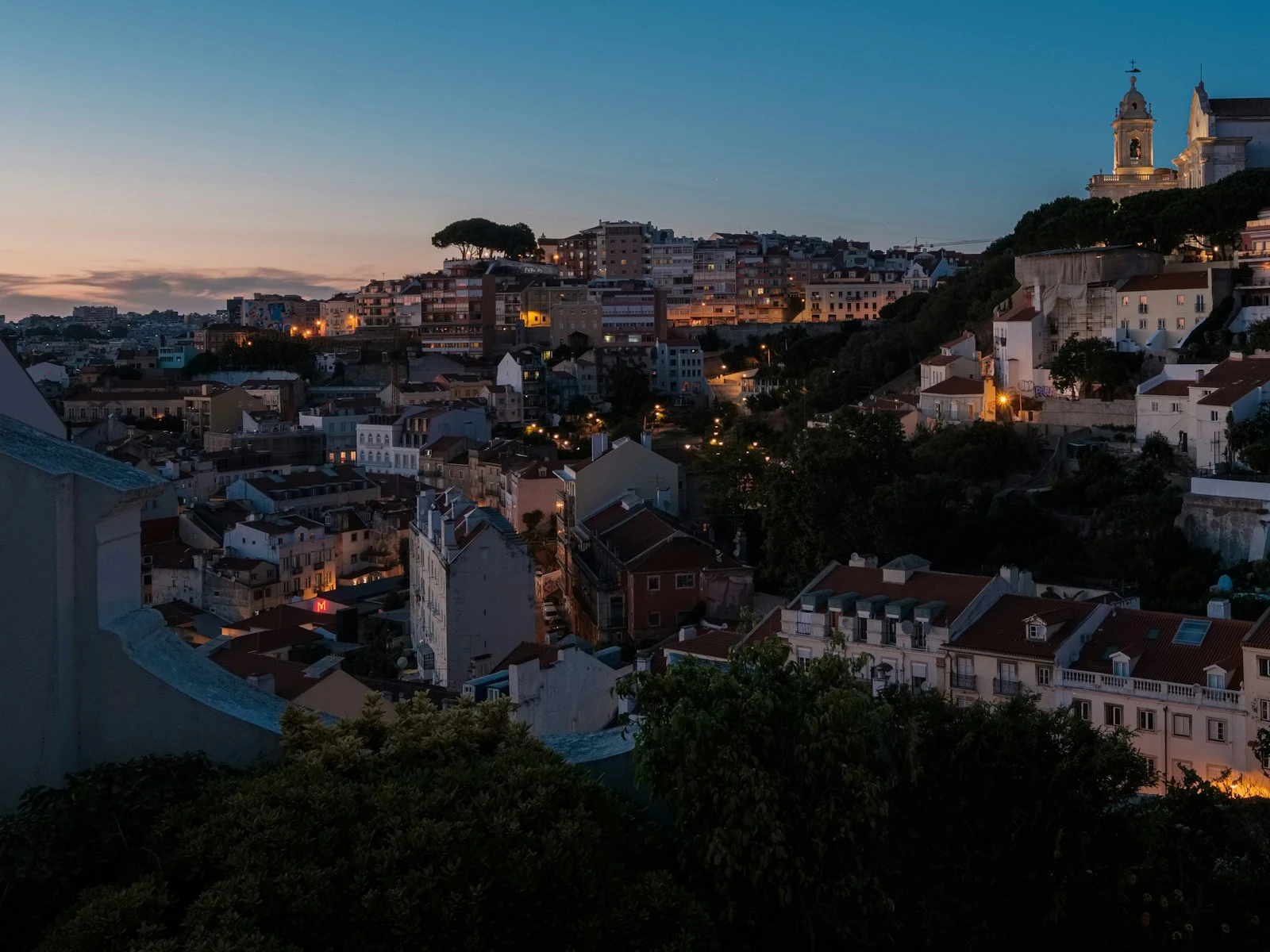
Warm indoors, cool outdoors. Looking out a window at night, the interior warmth against the blue evening outside creates appealing contrast. Don't neutralize it.
Cozy scenes. That golden incandescent warmth feels homey, intimate, inviting. A perfectly neutral indoor scene can feel clinical. Keep some warmth.
Mixing temperatures for mood. Blue light feels cool, sterile, futuristic. Orange feels warm, nostalgic, comfortable. Using them together creates depth.
Golden hour indoors. As the sun sets, its light goes orange, matching interior lights for once. Embrace the overall warmth.
Whether you're correcting for accuracy or shaping for mood, both are valid as long as you're intentional about it.
Quick Reference
| Light Source | Approximate Color Temp | Cast on Camera |
|---|---|---|
| Candlelight | ~1,800K | Very orange |
| Incandescent bulbs | ~2,700K | Orange |
| Warm LED | ~3,000K | Orange |
| Fluorescent | ~4,000K (varies) | Green/yellow |
| Daylight sun | ~5,500K | Neutral (baseline) |
| Overcast sky | ~6,500K | Slightly blue |
| Open shade | ~7,000K+ | Blue |
To neutralize a cast, shift white balance toward the opposite: orange cast needs blue compensation, blue cast needs warming.
Key Takeaways
- Set your camera's white balance to match the dominant light source (tungsten, fluorescent, daylight) to eliminate the color cast in camera.
- Shoot RAW so you can adjust white balance with zero quality loss in post-processing, which is especially valuable under mixed lighting.
- Turn off competing light sources when possible to avoid mixed lighting, which creates impossible color correction situations.
- When color casts cannot be eliminated, use the Adjustment Brush in Lightroom to correct different areas of the image separately.
More in This Guide
Continue exploring lighting techniques.