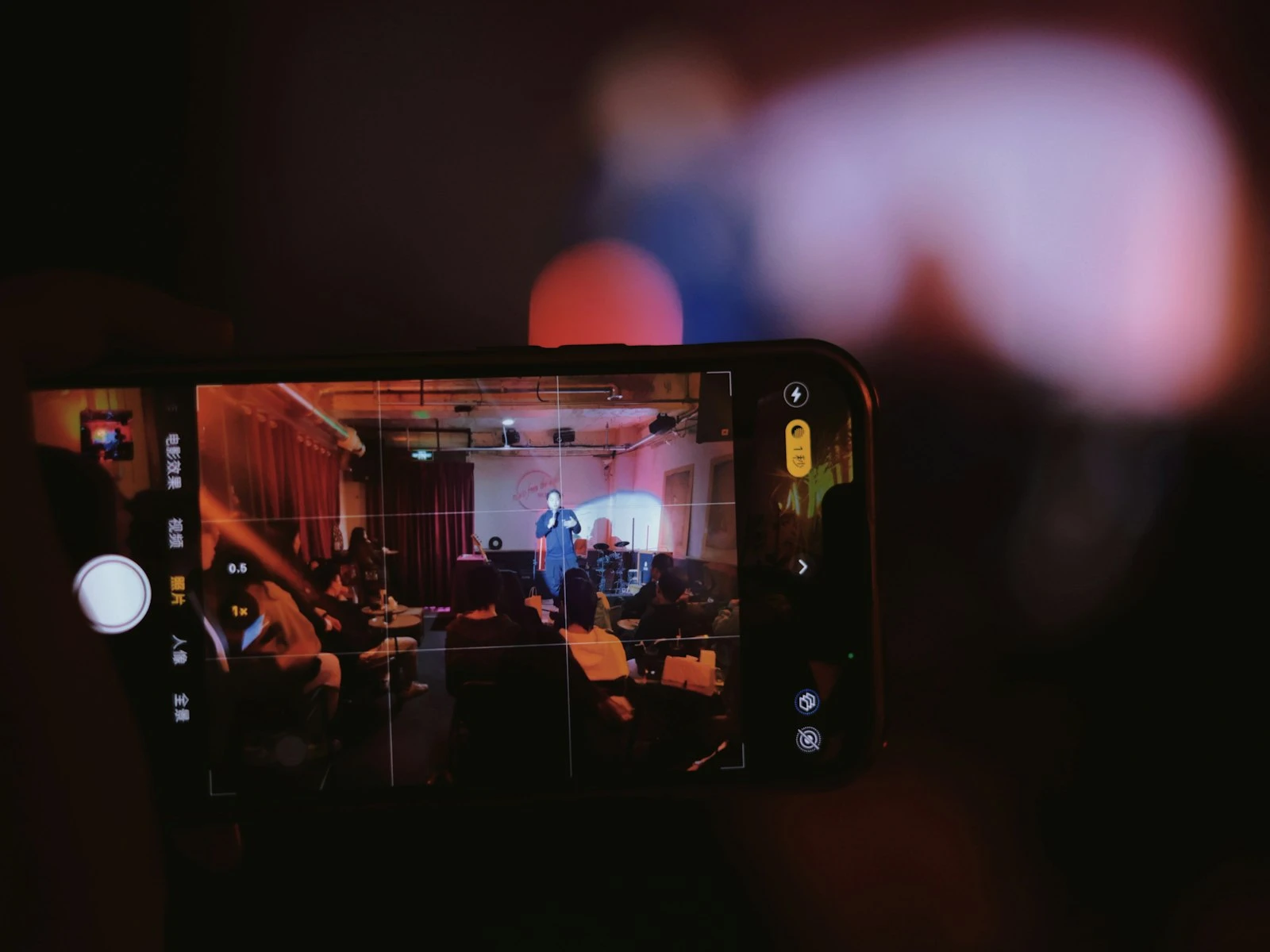
You see something beautiful. The light is perfect, the moment is right. You pull out your phone, take a photo, and look at the result.
It's... fine, but it doesn't feel like what you saw. Something got lost between your eyes and the screen.
This happens to everyone, and it's not your fault. There's a fundamental gap between human perception and phone capture, and understanding this gap is the key to getting photos that actually convey what you experienced. It's one of the first things we address in our phone photography guide.
The Perception Gap Is Real
Your eyes and brain form an incredibly sophisticated imaging system. Your phone is an impressive piece of technology. But they don't work the same way, and they never will.
Your eyes:
- Adjust continuously to changing light
- Focus selectively on what interests you
- Process color and contrast in context
- Ignore what's unimportant
- Are connected to emotional memory and anticipation
Your phone:
- Captures a fixed moment with fixed settings
- Records everything in the frame equally
- Processes according to algorithms
- Has no concept of importance
- Produces data that's disconnected from experience
The result is a systematic difference between what you perceived and what your phone recorded.
Why Scenes Look Different in Photos
Dynamic Range Compression
Your eyes can see detail in both bright highlights and dark shadows simultaneously. Your phone can't.
What you saw: A sunset with rich colors in the sky AND detail in the foreground.
What your phone captured: Either a colorful sky with a dark silhouette, or a properly exposed foreground with a washed-out sky. (Or HDR processing that compromises both.)
The gap: Your eyes smoothly adapted to the bright and dark areas. The phone had to make choices or blend exposures in ways that don't match your perception.
Color Memory and Context
Your brain interprets color based on what you expect, what you know, and the surrounding context. A "white" piece of paper looks white to you whether it's in warm sunset light or cool shade, even though the actual light hitting your eyes is very different.
What you saw: Natural colors that made sense in context.
What your phone captured: Colors adjusted by automatic white balance that may not match your perception.
The gap: Your brain color-corrected in real time based on context. The phone made algorithmic guesses that may not align.
Selective Attention
Your eyes focus on what matters. Your attention filters out the irrelevant. When you look at a friend in a beautiful place, you see your friend. The background is registered but not processed with the same attention.
What you saw: Your friend, with the background as pleasant context.
What your phone captured: Everything equally, including the trash can behind them, the stranger walking through the frame, the power lines you didn't notice.
The gap: Your attention edited the scene in real time. The camera recorded everything.
Emotional Enhancement
Memory and emotion affect perception. A scene that moves you seems more beautiful because you're moved by it. Anticipation affects how you see things. Nostalgia colors memory.
What you experienced: A magical moment made special by context, emotion, and meaning.
What your phone captured: The visual facts of the scene, without the emotional overlay.
The gap: Your feelings enhanced your perception. The phone records neutrally.
Wide-Angle Distortion
Most phone cameras have moderately wide-angle lenses that capture more of the scene than your focused attention does.
What you experienced: Looking at a specific thing within a broader environment.
What your phone captured: The specific thing made smaller by a wide view that includes more surroundings.
The gap: Your attention zoomed in naturally. The phone's wide lens zoomed out.
Phone Processing Adds Another Layer
Beyond the perception gap, phone processing makes additional changes.
HDR Processing
Modern phones automatically capture and blend multiple exposures to handle high-contrast scenes.
The benefit: More detail visible in highlights and shadows.
The cost: Scenes can look flat, with unnatural uniformity. The drama of contrast gets smoothed away.
The expectation gap effect: The dramatic sunset you saw becomes a more evenly lit scene that doesn't feel as special.
Noise Reduction and Sharpening
To combat the inherent noisiness of small sensors, phones apply significant noise reduction, then sharpening to restore edge definition.
The benefit: Cleaner-looking images, especially in lower light.
The cost: Fine detail gets smoothed. Textures become plastic-looking. Edges can look artificial.
The expectation gap effect: The rich texture you saw in a scene becomes a smoother, more processed rendering.
Saturation and Color Adjustments
Phones adjust color to produce appealing results, often boosting saturation or adjusting tones based on scene detection.
The benefit: Punchy, immediately shareable images.
The cost: Colors may not match what you saw. Scenes may feel oversaturated or have wrong color casts.
The expectation gap effect: Colors feel "off" in ways that are hard to identify.
Scene Detection
Modern phones try to identify what you're photographing, such as food, sunset, portrait, or landscape, and apply specific processing.
The benefit: Optimized results for common scenarios.
The cost: Wrong detection means wrong processing. A scene might get the wrong treatment entirely.
The expectation gap effect: The photo doesn't match your perception because the phone thought you were photographing something else.
Bridging the Gap Before Capture
Understanding the gap helps you anticipate it and make better decisions.
Adjust Your Expectations
Before shooting, ask: "How is this going to look different in the photo?"
- Will bright areas blow out or dark areas go black?
- Will the wide angle make my subject look smaller?
- Will distracting elements be visible?
- Will the colors shift?
This mental preview helps you adjust your composition, position, or exposure before shooting.
Simplify the Scene
Selective attention lets you ignore distractions. Your camera can't. What looks like a clean composition to your eyes might be cluttered in the photo.
Before shooting: Consciously scan the entire frame, especially the edges, for elements you're ignoring but the camera won't. Strong composition is about choosing what to include and exclude.
Get Closer
Wide-angle lenses and selective attention combine to make subjects look smaller in photos than they felt in person.
Before shooting: Move closer than feels natural. Fill more of the frame with what matters.
Control Exposure for What Matters
If you know highlights or shadows will be lost, decide which matters more and expose for that.
Before shooting: Tap on the most important part of the scene and let the camera expose for that, even if other areas suffer.
Consider the Light
Your eyes adapt to light quality instantly. The camera records what's actually there.
Before shooting: Notice the quality and direction of light. Is it actually good, or does it just feel good because you're enjoying the moment? Golden hour produces light that translates well to any camera.
Bridging the Gap After Capture
Post-capture editing can partially restore the feeling of what you experienced.
Restore Contrast
If the photo looks flatter than the scene felt, add contrast. Deepen shadows. Brighten highlights. Restore the dynamic feeling that got compressed.
Adjust Colors to Memory
White balance and saturation adjustments can shift colors toward what you remember. Editing thoughtfully is the key, since you're editing toward your memory, not toward "accuracy." A consistent editing workflow helps you develop this skill over time.
Crop to Selective Attention
If the wide angle includes too much, crop to what you were actually paying attention to. Eliminate what your selective attention would have filtered out.
Accept What's Lost
Sometimes the gap can't be bridged. The photo will never fully capture what you experienced, and no amount of editing will change that.
Accepting what's lost is the nature of photography. Photos are records and interpretations rather than recreations of experience.
A Different Way to Think About It
Instead of trying to make phone photos match your experience exactly, consider what they actually are:
Photos are translations. They capture a different medium, with different characteristics, different limitations, and different strengths from what you perceived.
The gap is a characteristic to understand. Once you understand it, you can work with it rather than being surprised by it.
Sometimes the photo is better. Occasionally, the phone captures something you didn't notice: a detail, a color, a moment. The translation can add as well as subtract.
The experience is still yours. A photo that doesn't match your experience doesn't diminish the experience, because memory is valid and the photo is simply something different.
Practical Strategies
For High-Contrast Scenes (Sunsets, Backlit Subjects)
- Accept that you'll lose either sky or foreground unless HDR handles it well
- Decide which matters more and expose for that
- Consider silhouettes if the shape is more important than the detail
- Edit to restore contrast without blowing out highlights
For "You Had to Be There" Moments
- Accept that emotional context won't translate
- Focus on specific visual details that represent the moment
- Capture textures, patterns, or small elements rather than trying to capture the whole feeling
- Or simply don't photograph it, because some moments are better just experienced
For Grand Landscapes
- Get closer to foreground elements to create depth
- Use leading lines to draw the eye into the scene
- Accept that the scale won't translate, and compensate with composition
- Include something for scale reference if size matters
For People and Portraits
- Focus on the person, not the environment (unless environmental portrait is the goal)
- Remember that portrait mode adds artificial blur but can help isolate your subject
- Capture expressions and moments rather than just presence
- Get close enough that the person is clearly the subject
Embracing the Medium
Phone photography is its own medium with its own characteristics. The expectation gap is simply phone photography being what it is.
The photographers who get consistently satisfying results accept this. They:
- Understand what phones do well and work with those strengths
- Anticipate how scenes will translate and compose accordingly
- Edit to enhance rather than to "fix"
- Accept that some moments are better experienced than photographed
- Use the phone as its own tool rather than wishing it were a different one
The gap between perception and capture exists for all cameras. Phone cameras just make it more visible because we expect them to capture what we see easily and automatically.
No camera can, and understanding this is the beginning of making better photographs.
Frequently Asked Questions
Why do professional photos of scenes look different from my phone photos of the same scenes?
Professional photographers understand these perception gaps and compensate through equipment, technique, timing, and editing. They're also usually more selective, shooting only when conditions are favorable and editing carefully afterward.
Will future phone cameras close this gap?
They'll get closer. Computational photography continues to improve. But the fundamental gap between human perception and any camera system is inherent to the different natures of eyes/brains versus sensors/processors.
Should I just stop trying to photograph scenes that create this gap?
Not necessarily. Understanding the gap helps you make better choices. Sometimes accepting a different version of the scene is fine. Sometimes it's better to just experience the moment. Both are valid choices.
Key Takeaways
- Your phone captures a fixed moment with flat processing, while your eyes selectively focus, adjust to brightness, and are influenced by emotion and memory.
- Phones struggle with high dynamic range (bright sky, dark ground), low light, and depth perception, so work within these limits rather than fighting them.
- Use composition, lighting direction, and foreground interest to rebuild the depth and selective attention your eyes provided naturally.
- Tap to set focus and exposure on your subject so the phone optimizes for what matters rather than averaging the whole scene.
More in This Guide
Continue improving your phone photography.